Retouch your whole shoot in one click
Bulk-upload your photos and let AI retouch every frame. Natural portraits, cinematic color, landscape pop. Download them all at once.
JPEG, PNG and WebP. Large files are downscaled automatically. No sign-up.
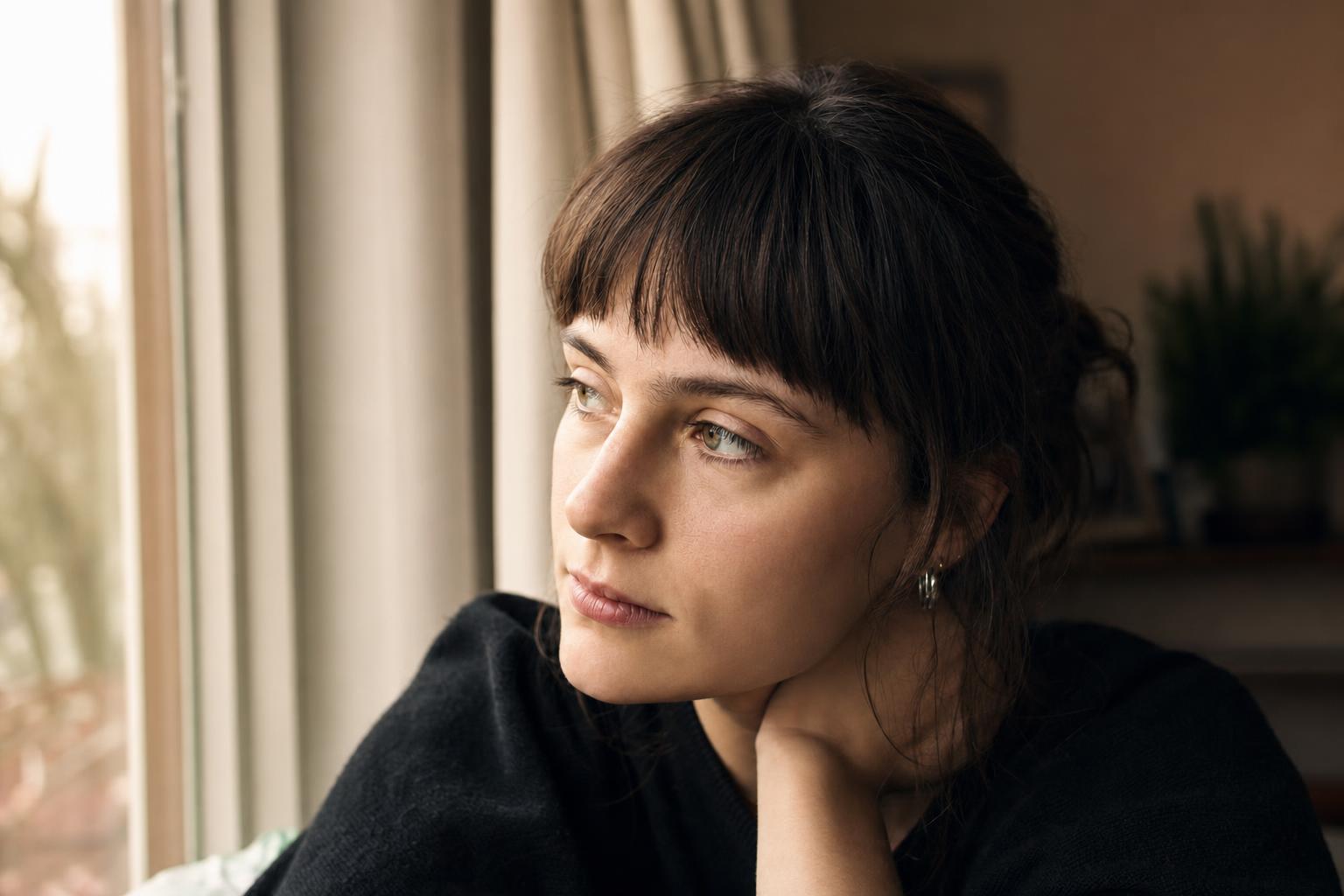
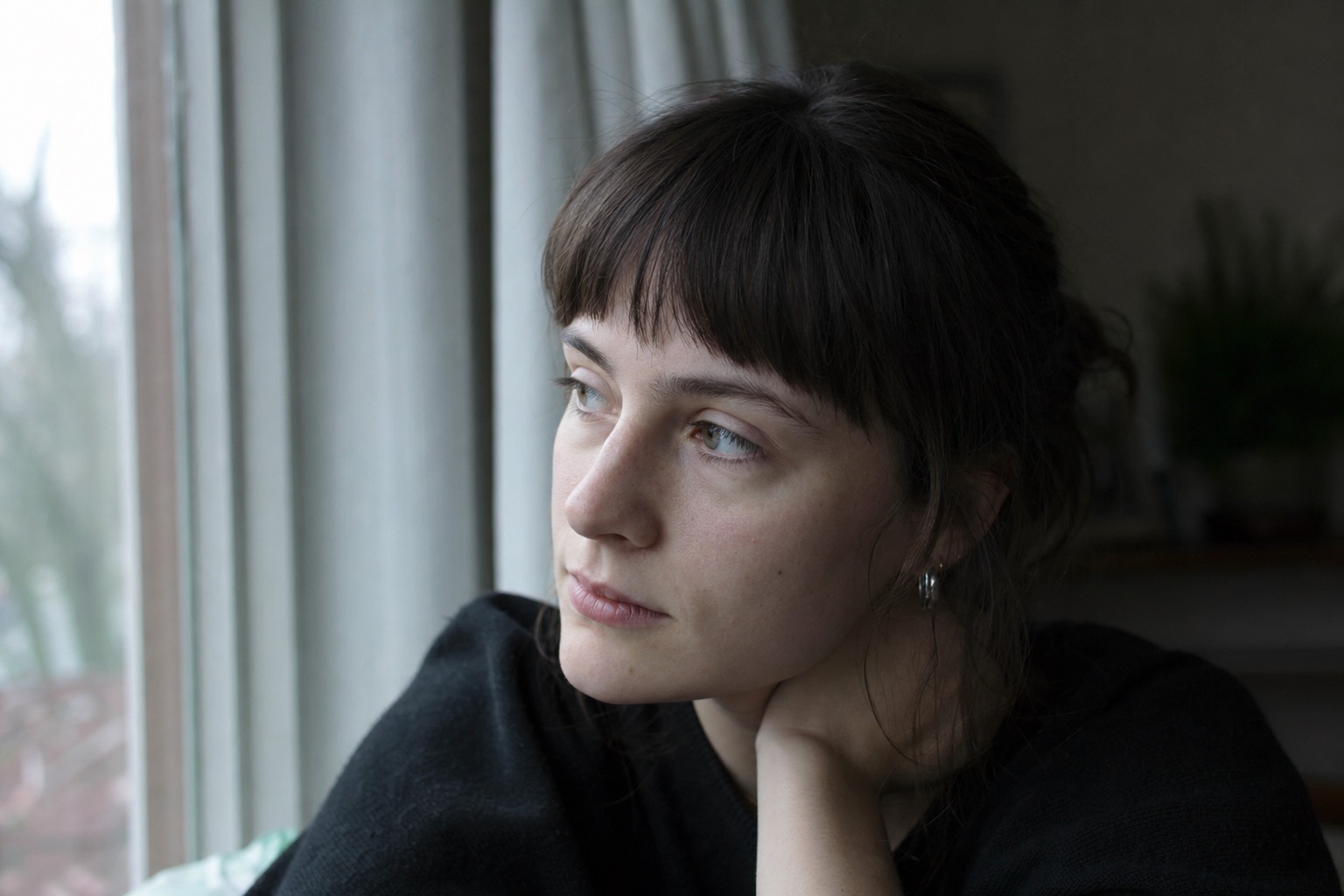 BeforeAfter
The workspace
Drop a whole shoot, pick a look, and retouch every frame at once.
Drop your photos here
or click to browse, JPEG, PNG, WebP
Bulk upload supported. Large files are downscaled automatically before retouching.
Retouch your whole shoot in three steps
Built for high-resolution photos. Bulk in, polished out.
Bulk upload
Drag in a whole shoot. JPEG, PNG or WebP, dozens at a time.
Pick a look
Choose a retouch preset tuned for portraits, landscapes or color, or write your own.
Generate & download
AI retouches every frame. Grab them individually or as a zip.
Frequently asked questions
JPEG, PNG and WebP. If you shoot RAW, export to JPEG first. Large files are automatically downscaled in your browser before retouching, so uploads stay fast.
Yes. Drag in dozens of photos, pick one look, and every frame is retouched with the same prompt. You can download them individually or grab everything as a single zip.
Every edit is handled by a state-of-the-art AI image engine that preserves natural detail and skin texture while polishing your shots. Output goes up to 4K.
No. Photos are processed on the fly and the results are returned straight to your browser. Nothing is written to a database or kept on the server.
Absolutely. Start from a preset or clear the prompt box and describe exactly what you want. The same prompt is applied across the batch.